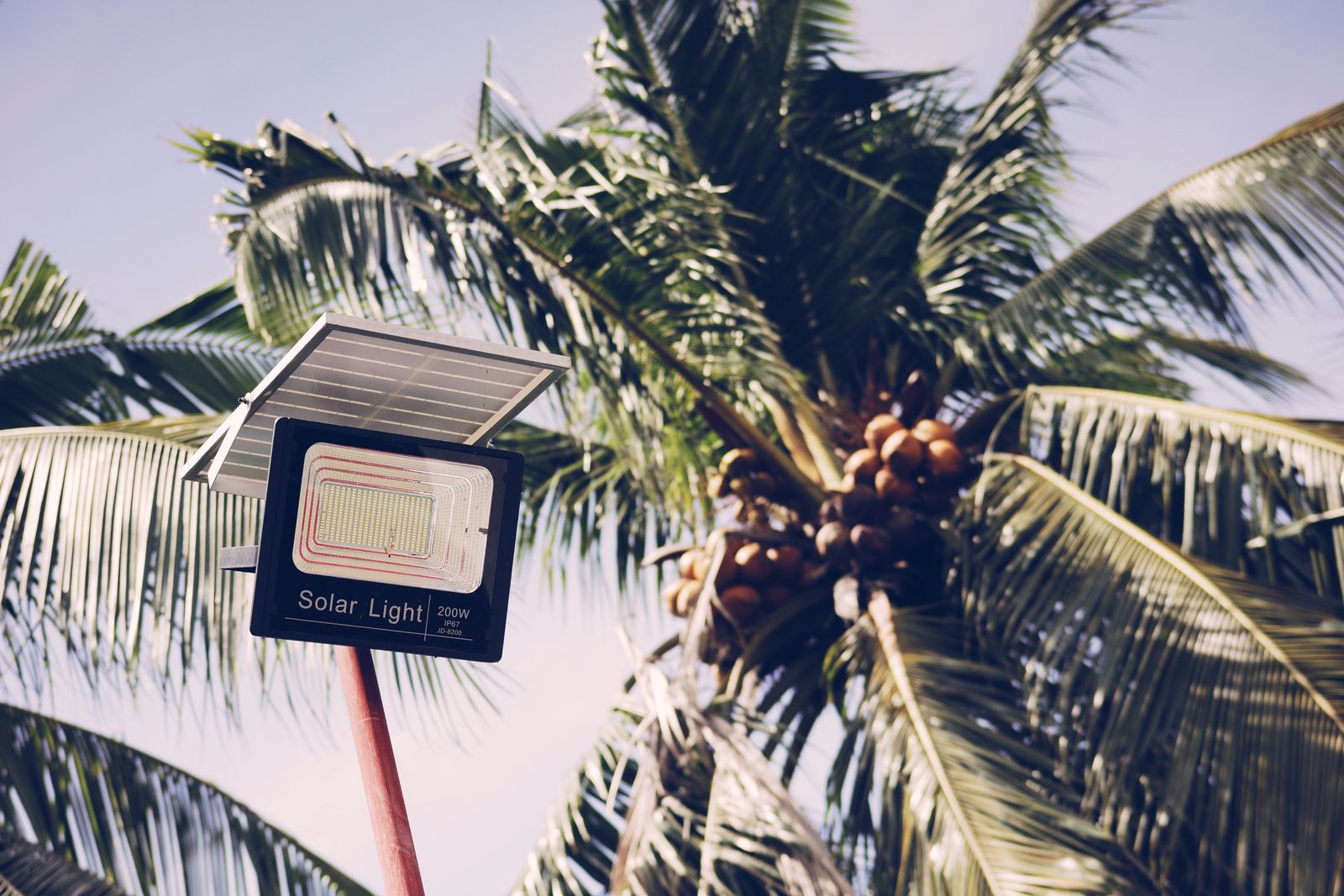
Solar Address Sign Troubleshooting: Common Battery and Dusk-to-Dawn Light Sensor Fixes
Solar address sign troubleshooting for common battery and dusk-to-dawn light sensor fixes starts with two tests: will the 600mAh NI-MH battery charge in real sun, and will the photocell admit that it is night? Most dark plaques still have a working LED. They have a shipping tab, a dirty panel, a shaded wall, or a porch lamp that keeps dusk-to-dawn from ever starting.
Common battery fixes
Remove the insulator. Switch on. Wipe the solar face. Give a full sunny day on a wall, mailbox, or yard that throws a sharp shadow. That sequence fixes more "dead" signs than a new cell. If the unit was stored empty in heat, run several honest day/night cycles before you bin the 600mAh NI-MH pack.
Condensation looks like a battery failure. Dry the IP44 housing and reseat gaskets. Do not pressure-wash. Do not substitute random alkaline cells.
A battery that never fills on a proven sunny mount can then be replaced with the same chemistry. Troubleshooting that skips the sun test wastes parts.
Common dusk-to-dawn light sensor fixes
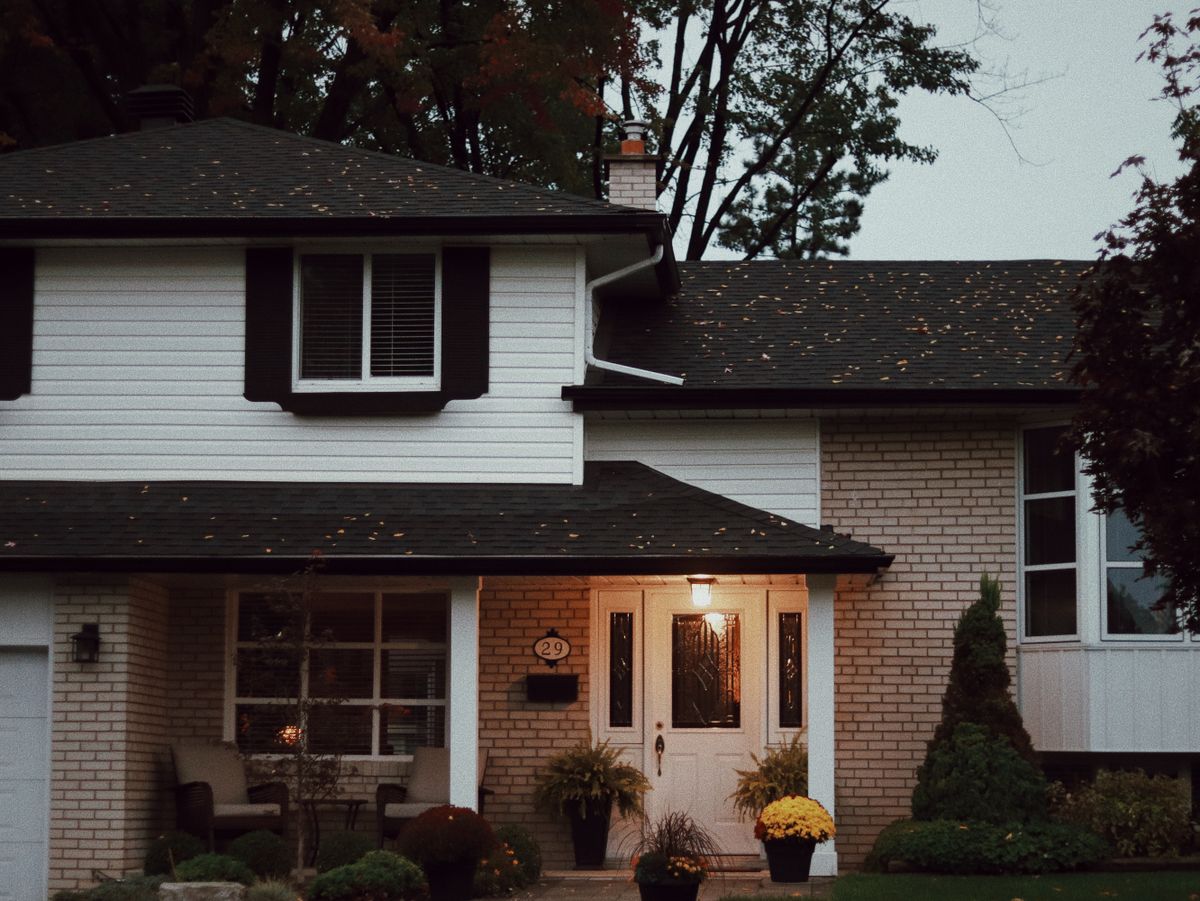
Photo by Dalia Al-Refai on Pexels
Cover the sensor after dark. If warm LED illumination appears, the light sensor is seeing porch, garage, or holiday glare. Aim it at true night. Do not tape it on permanently; that drains the battery you just charged.
Dusk-to-dawn is not a clock. Storm-dark afternoons may wake the LED early. That is expected. Sensor fixes are aim and location, not firmware you do not have.
Glow stickers cannot diagnose either path. Hardwired lights staying on only prove the house has power.
Troubleshooting map
| Symptom | Battery vs sensor | Common fix | | --- | --- | --- | | Never on, tab in | Battery | Remove insulator | | Never on, no shadow | Battery / placement | Move to sky | | On when covered | Dusk-to-dawn sensor | Re-aim away from lamps | | Early on, dead later | Both | Honest dusk plus full charge | | Dim after pollen | Battery charge | Clean panel | | Milky lens | Neither at first | Dry and clean |
This troubleshooting guide is battery fixes, then dusk-to-dawn light sensor fixes, then replacement.
Placement, visibility, and install checklist
- [ ] Tab out, switch on.
- [ ] Clean panel and sensor window.
- [ ] Shadow test; relocate wall vs mailbox vs yard if needed.
- [ ] Full sunny charge.
- [ ] Cover-test the dusk-to-dawn light sensor after dark.
- [ ] Re-aim if porch glare wins.
- [ ] Dry gaskets; skip pressure washers.
- [ ] Recheck about 50 feet of street readability.
- [ ] Same-chemistry cell only after those common fixes fail.
Frequently asked questions
Photo by Max Vakhtbovych on Pexels
What is the most common battery fix?
Sun and a clean panel after removing the shipping tab.
What is the most common dusk-to-dawn light sensor fix?
Get the photocell out of decorative lighting.
Can troubleshooting include a flashlight on the panel?
A brief indoor lamp is a weak charge. Use the sky.
Should I replace the whole solar address sign?
Not until battery and sensor fixes are done. Most units are starved or blinded.
Does winter change the guide?
Shorter days mimic battery failure. Clear snow and retest sun before you replace anything.
Related reading
- troubleshooting battery runtime
- how dusk-to-dawn solar house numbers operate
- how solar signs charge in cloudy weather
- solar lighted house numbers FAQ
What to do next
Run the two tests tonight and tomorrow: cover the dusk-to-dawn light sensor after dark, then park the plaque in real sun. Those common battery and sensor fixes are the solar address sign troubleshooting guide that actually restores night lighting.
Cover photo by Nothing Ahead on Pexels.